
At a glance
Before leaving Canada, arrange the required real-name verification for your China SIM, confirm the number is active, and check that your phone is unlocked and compatible. Receiving a physical SIM does not by itself mean the service is active. Follow-up document requests or re-verification may still be necessary, including after arrival in China.
Why complete registration before departing Canada?
Getting the initial identity verification underway at an iTalkBB Canada store can reduce the chance of having to submit documents for the first time after arriving in China, where connectivity and access to assistance may be limited. The applicable carrier or service provider may nevertheless request additional documents or another verification later.
Registration, delivery and activation are different
| Status | What it means |
|---|---|
| Submitted for identity verification | Documents have been supplied; approval may still be pending. |
| SIM received | Physical card delivered; service may not yet be usable. |
| Activated | Number and service are enabled within their applicable coverage and terms. |
What documents should you prepare?
Bring acceptable, valid identity documents, such as a passport or other ID specified in the notification, personal information that exactly matches those documents, and your order or account details. Additional documentation may be requested. Do not change the name order or substitute a nickname. Plan ahead: there is no universally guaranteed instant turnaround.
How can you confirm your China number is active?
- Review email, SMS and account notices for verification results, missing documents, activation or re-verification requests.
- Record the assigned China number, iTalkBB account details and activation date.
- Confirm that no pending documents, payment issues or account holds remain.
- Ask the store or customer support to clarify uncertain status before travelling.
Not being able to use China mainland mobile data while still in Canada is not by itself proof that the SIM is inactive; verify the actual service status.
Is your phone compatible? How should you set up dual SIM?
Check for an unlocked device and an available physical nano-SIM slot. A phone that supports eSIM only may not support this physical China SIM. Verify compatible 4G/5G network bands and whether your device uses physical SIM plus eSIM or two physical SIMs. Name both lines and choose defaults for calls, text messages and mobile data.
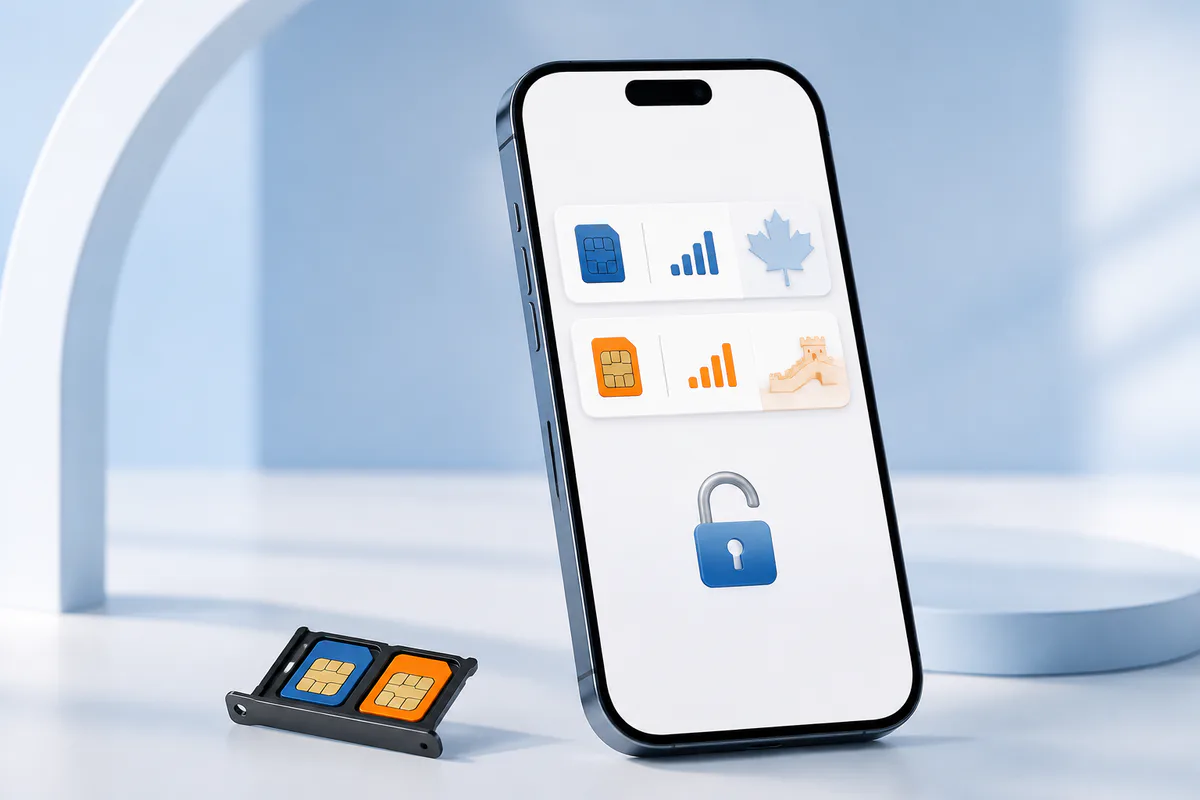
A compatible unlocked single-SIM phone can also use the China SIM. Where your Canadian number is supported through Prime App, the app can continue to handle eligible North American calling and messaging using Wi-Fi or mobile data.
What if the SIM does not work after you arrive in China?
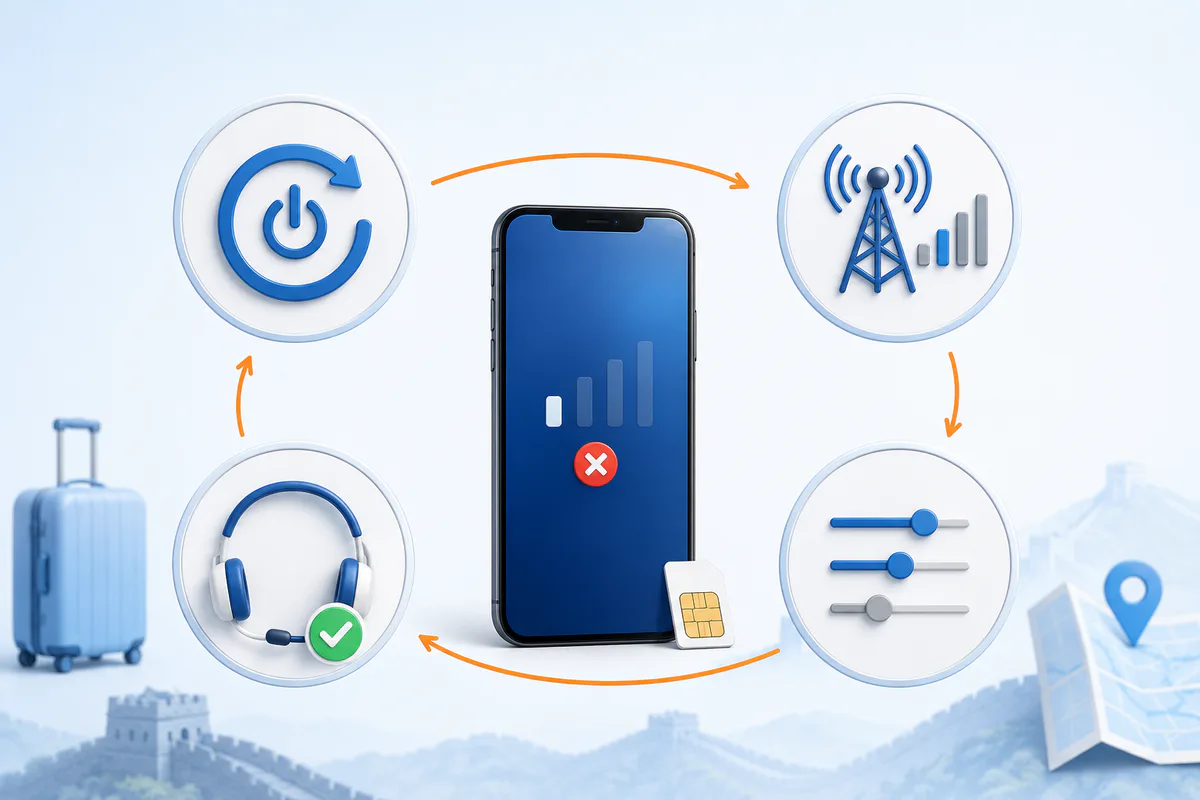
- Check any required document updates, repeat identity verification or in-country verification notices, as well as service activation status.
- Restart your phone or toggle airplane mode to trigger a network search.
- Reseat the SIM and ensure the China line is enabled in dual-SIM settings.
- Check the relevant mobile data line, roaming configuration and automatic network selection, following service instructions.
- Confirm your phone is unlocked and supports the required network; test with another compatible phone if necessary.
- If problems persist, record the error message, location, phone model and time before contacting customer service.
North American after-sales support: 1-877-482-5503. Sales and store enquiries: 1-877-482-5522.
What can the iTalkBB China SIM do?
The physical China SIM provides a mainland Chinese mobile number useful for services that require local phone verification, including transportation, delivery and other accounts. It is described as enabling reception of China SMS and verification messages while abroad without roaming charges. Mainland China data is charged according to actual use at CA$1/GB; the SIM monthly fee in the supplied article is CA$2.99. Network speed and hotspot functions depend on device support and coverage.
Frequently asked questions
Can I complete real-name registration in Canada?
You can begin the required process through participating iTalkBB Canada stores, subject to verification and any later requests. The provider may still ask for documents or repeat verification, including after you arrive.
What documents do I need?
An acceptable valid identity document, matching personal details, and account or order information; follow the latest service notice for additional requirements.
Does receiving the SIM mean it has been activated?
No. Card delivery, identity verification and service activation are separate milestones.
What if my SIM does not connect after arrival?
Check any new verification requirements, activation, handset unlock status, SIM installation, mobile-data line and network configuration. Contact support if unresolved.
For device-specific dual-SIM guidance, see Apple dual SIM guidance.